Free Identity Protection Guide

Six Simple Steps to
Help Protect Your Identity

Your personal information is valuable. Criminals can use stolen identity data to open credit accounts and bank accounts, obtain wireless or utility services, take over mobile phone numbers, fraudulently finance vehicles, and file false tax returns to steal refunds. The problem is that much of the information used for identity theft is stored by organizations with which you do business, so you cannot completely control whether it is exposed in a data breach.

A recent report described a dark web identity theft service claiming to offer more than 153 million U.S. and Canadian driver’s license scans for sale. That total refers to records and does not necessarily represent 153 million unique people. Whether or not your information was involved in that particular incident, major breaches happen often enough that everyone should take reasonable steps to protect themselves before fraud occurs.

Identity protection is not about preventing every breach. It is about making stolen information much harder to use. A few preventive controls can create meaningful barriers between a criminal with your personal information and the accounts and services that criminal may try to open or take over.

The six actions below are practical steps most U.S. consumers can take now to reduce the likelihood and potential impact of identity theft. If you have not used these services before, you may need to create an account or register before you can place a freeze on your file.

These freezes do not affect your existing bank, credit card, wireless, utility, or other accounts, and they do not prevent fraudulent activity involving accounts you already have. Instead, they help prevent criminals from opening new accounts or services in your name when the company receiving the application checks the relevant frozen file before approving it. If a company does not use the agency where you have placed a freeze, the freeze may not prevent the account from being opened.

1

Freeze Your Equifax, Experian, and TransUnion Credit Files

Contact each credit bureau separately. Credit freezes are free, do not lower your credit score, and make it much harder for criminals to open new credit accounts in your name. A freeze remains in effect until you temporarily lift or remove it.

A credit freeze generally does not prevent fraudulent transactions on your existing accounts, so you must continue monitoring those accounts.

2

Freeze Your ChexSystems File

Many financial institutions use ChexSystems when evaluating applications for checking and other deposit accounts. Freezing this file can make it harder for someone to open an unauthorized account in your name at an institution that uses ChexSystems. It does not guarantee that every financial institution will reject a fraudulent application because institutions may use other reporting services or verification methods.

Store the ChexSystems security freeze PIN securely. You may need it to temporarily lift or remove the freeze.

3

Freeze Your National Consumer Telecom & Utilities Exchange File

The National Consumer Telecom & Utilities Exchange, or NCTUE, maintains information reported by participating telecommunications and utility providers. Freezing your NCTUE file provides another layer of protection against someone attempting to establish these services in your name through a participating provider.

As with ChexSystems, an NCTUE freeze will not necessarily affect providers that do not use the exchange.

4

Protect Your Wireless Account and Mobile Number

Secure your wireless account with a strong, unique carrier PIN or passcode. Enable every available SIM-swap and number-transfer protection offered by your carrier. These controls can help prevent criminals from moving your number to another device or transferring it to another carrier. Control of your mobile number may allow a criminal to intercept security codes and reset passwords for financial, email, and social-media accounts. The freeze applies to the account as a whole; you do not need to place a separate freeze on each phone number associated with the account.

AT&T Wireless Account Lock blocks specified account changes, including SIM and eSIM changes and transfers to another carrier. T‑Mobile offers SIM-change and port-out safeguards through its account fraud protections. Verizon similarly provides SIM Protection and Number Lock. Feature availability may vary by carrier, plan, and account type.

5

Protect Your Tax Identity with an IRS IP PIN

Request an Identity Protection Personal Identification Number, or IP PIN, from the IRS. An IP PIN is a six-digit number that helps prevent someone else from filing a federal tax return using your Social Security number or Individual Taxpayer Identification Number. Anyone with an SSN or ITIN who can verify their identity may enroll, even if they have never experienced identity theft. A new IP PIN is generated each calendar year and must be entered on federal individual income tax returns filed during that year.

Protect your IP PIN carefully. Provide it only to your tax software or trusted tax professional when you are ready to file. The IRS will not call, email, or text you asking for your IP PIN.

6

Monitor Your Accounts and Respond Quickly

Actively monitor your accounts and credit reports to help detect suspicious activity quickly. Review your credit reports regularly, and enable alerts for transactions, logins, password changes, and profile changes on your financial accounts. Consider using a reputable credit or identity monitoring service, especially when it is available at no cost through your bank, employer, insurer, credit card provider, or a data-breach response program. Monitoring may alert you to suspicious activity, but it does not prevent identity theft. It also may not detect every type of fraud, including tax, government-benefit, medical, or existing-account fraud.

AnnualCreditReport.com is the federally authorized source for free reports from the three nationwide credit bureaus. Consumers can currently review each report as often as once per week at no cost. If you discover identity misuse, report it through IdentityTheft.gov and follow the personalized recovery plan.
I’ve Enabled the Protections — What Should I Do Next?

Be On The Lookout for Scams

After any major data breach, expect sophisticated scam emails and messages that appear legitimate because they incorporate some of the stolen information. Do not click unsolicited “breach notification” links or provide additional personal information to someone claiming that they can determine whether your license or identity was exposed — whether the unsolicited message arrives by email, text message, direct message, or phone call. Instead, independently navigate to the official website or application of the organization you need to contact. When you receive a message about one of your accounts or personal information, do not use links or call the phone number provided in the message. Instead, verify the request independently. For banks and credit card companies, call the number on the back of your card or use the institution’s official app or website. If the message claims to be from a government agency, locate the agency’s official website independently and verify the domain carefully before providing sensitive information.

Be Prepared to Temporarily Lift File Protections

Credit-bureau, ChexSystems, and NCTUE freezes may need to be temporarily lifted when a legitimate lender, bank, utility company, or wireless provider needs access to the relevant report. Carrier account locks may also need to be disabled temporarily when you authorize a SIM change, device transfer, or transfer to another carrier. That inconvenience is minor compared with the time, expense, and frustration involved in recovering from identity theft.

If you have minor children or older parents who need additional assistance or oversight, consider taking these protective measures with them or on their behalf. Identity theft can affect people of all ages.

You cannot prevent every data breach, but you can make stolen information much harder for criminals to use. You also cannot prevent every fraudulent account from being opened in your name, but these measures can make it significantly harder when the organization opening the account uses the services described above.

Take these six simple steps now. Protecting your identity is far easier than rebuilding it after fraud occurs. A few minutes of prevention today can help spare you weeks, months — or even years — of financial and personal recovery.

Please share this information with your family and friends. As AI accelerates the speed and scale of cyber-enabled fraud and account compromise, every practical measure we can take to protect our identities matters.

Want the six steps
to stronger security?

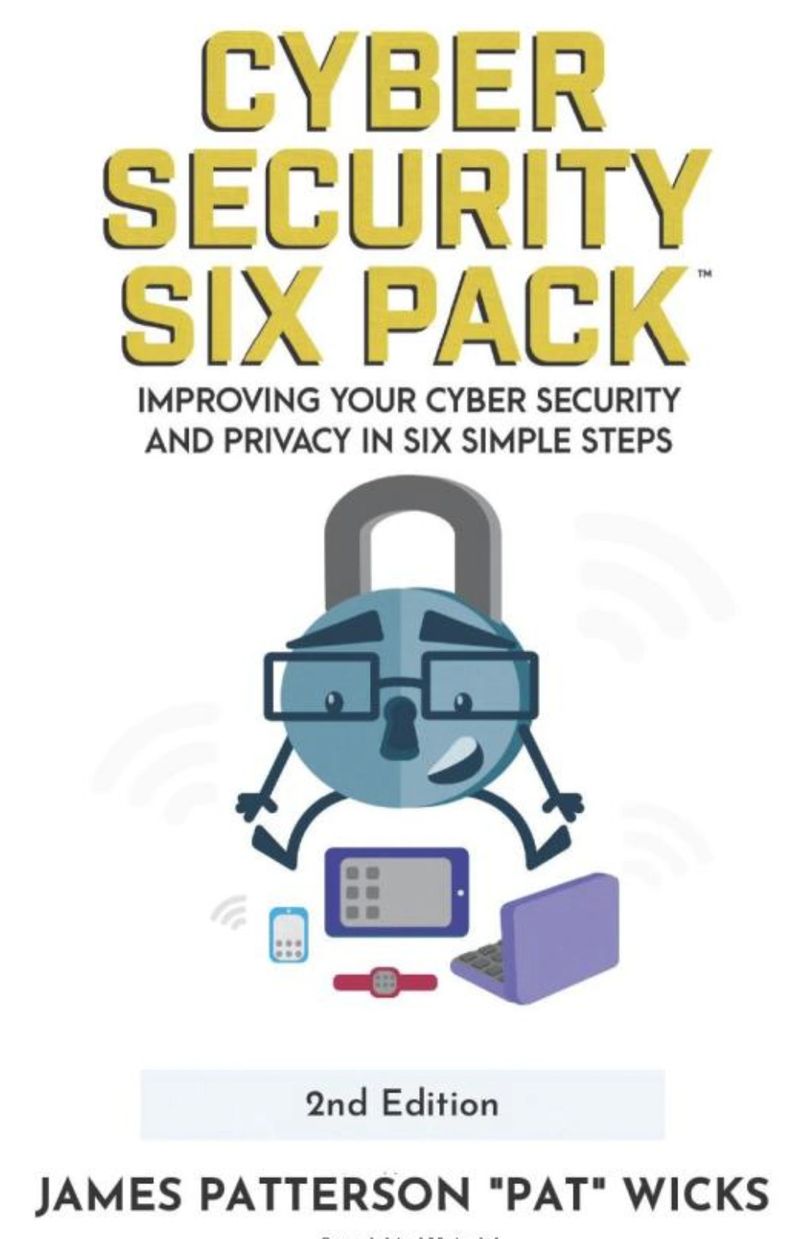
Identity protection is just the beginning. Cyber Security Six Pack walks you through securing your accounts, devices, data, and privacy — in six easy steps everyone can follow.

Order on Amazon